
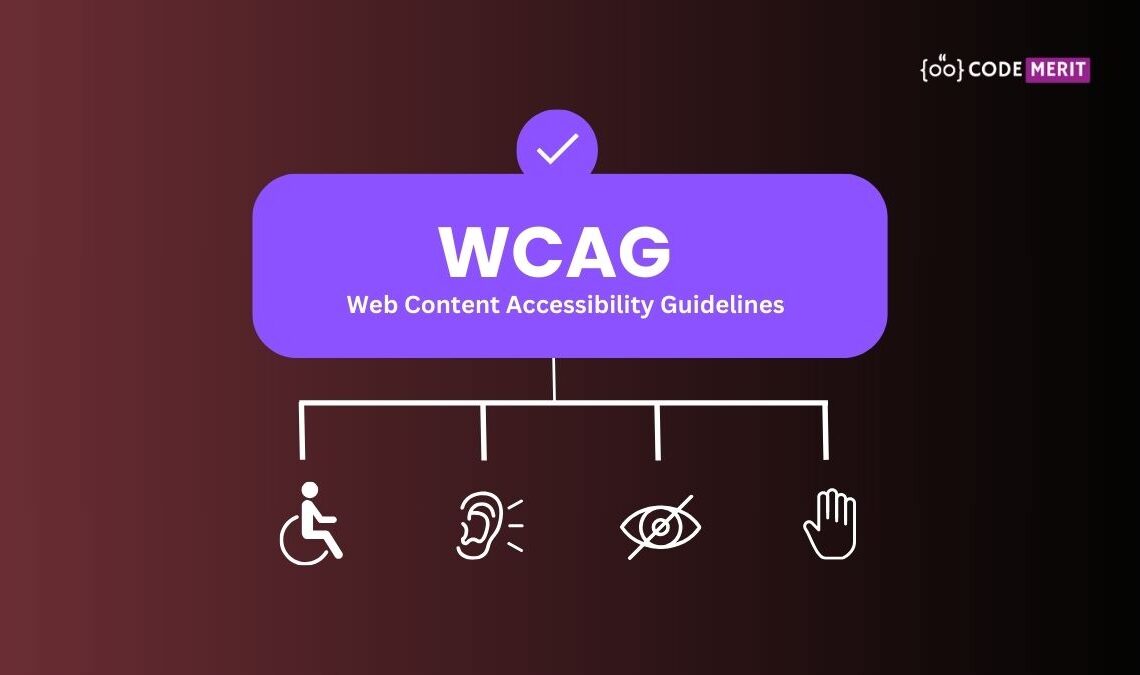
The WCAG (Web Content Accessibility Guidelines) are a set of guidelines designed to make web content more accessible to people with disabilities. These guidelines ensure that websites are usable by as many people as possible, including those with visual, auditory, motor, and cognitive disabilities.
Four Principles of Accessibility
The guidelines and success criteria (as per WCAG) are organized around the following four principles of Accessibility, which lay the foundation necessary for anyone to access and use Web content.
1. Perceivable
Content must be presented in ways that users can perceive (see, hear, etc.).
- Text Alternatives : Provide text alternatives for images (e.g., alt text).
- Time-based Media : Offer captions or transcripts for audio and video.
- Adaptable : Content should be able to be presented in different ways without losing meaning (e.g., resizing text or using high contrast).
- Distinguishable : Make it easier for users to see and hear content (e.g., using color contrast, not relying solely on color).
2. Operable
Users must be able to navigate and interact with content.
- Keyboard Accessible : Ensure the site can be fully navigated using a keyboard (for those who cannot use a mouse).
- Enough Time : Give users enough time to read and interact with content (e.g., adjustable time limits for completing tasks).
- Seizures : Avoid content that could trigger seizures (e.g., flashing lights).
- Navigable : Provide ways to help users navigate, find content, and determine where they are (e.g., clear headings, search functionality).
3. Understandable
Content and the operation of the website must be easy to understand.
- Readable : Use clear and simple language; avoid jargon.
- Predictable : Make website behavior predictable (e.g., buttons should work in expected ways).
- Input Assistance : Help users avoid mistakes (e.g., providing error messages or suggestions when filling out forms).
4. Robust
Content must be compatible with current and future technologies.
- Compatible : Ensure that content works with various assistive technologies (e.g., screen readers) and browsers.
These guidelines are structured to help websites become more inclusive for everyone, regardless of ability. They are divided into three levels of conformance:
- A (Minimum) : Basic accessibility features.
- AA (Mid-range) : Deals with the biggest and most common barriers.
- AAA (Advanced) : Highest level of accessibility, for the most difficult cases.