
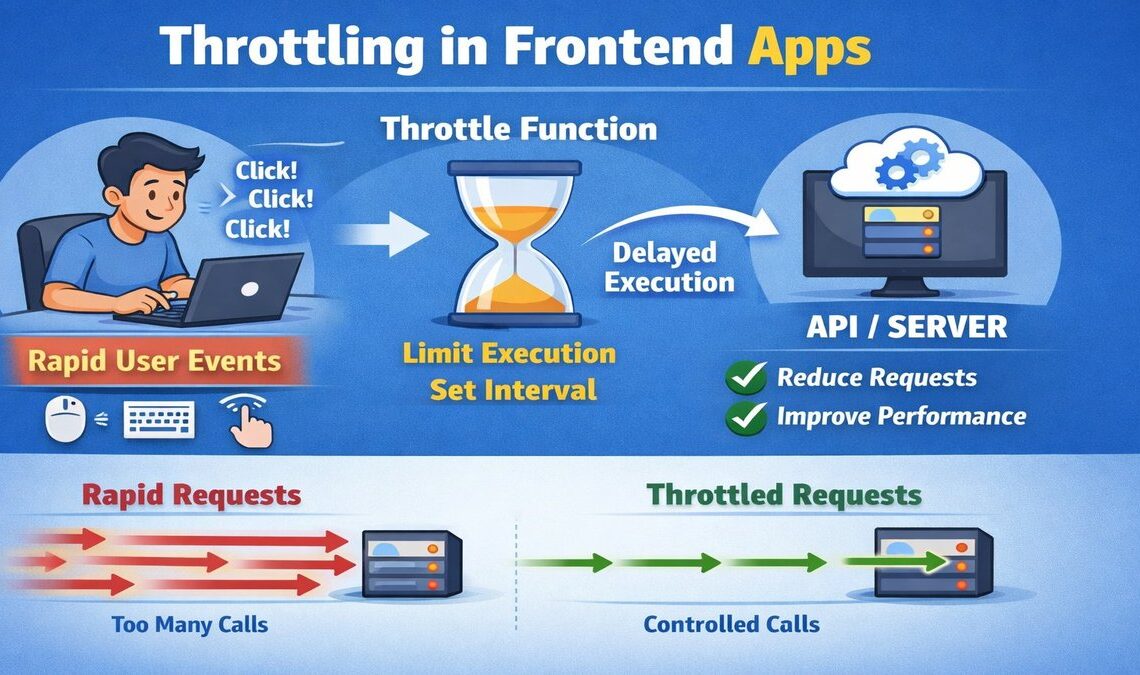
Throttling is a way to slow down how often code runs in a frontend app, helping keep the page fast and responsive when users interact a lot.
Throttling is a core concept in modern technology, playing an important role across web applications, cloud services, hardware, and networking systems.
In frontend engineering, throttling limits how frequently a function executes, improving performance during high-frequency events like scrolling, resizing, or user interactions.
By limiting how frequently a function or request can execute, throttling helps keep applications smooth, responsive, and efficient even under heavy user activity. Without throttling, frontend apps can become sluggish, overwhelm browsers, or trigger unnecessary network calls, leading to poor performance and a bad user experience.
Let us understand Throttling by an Example
Let us create a simple function that logs a message to the console.
					function myFunc(msg) {
    console.log("Using "+msg);
}
Above is the target function we want to throttle. Now let us go ahead and implement the throttle function that will accept a function and throttle it for a given delay.
Implement Throttling Function in JavaScript
Effect: Even if this returned function is called many times, it only lets func run once per delay interval.
					function throttleFunc(func, delay) {
    let inThrottle;
    return function(...args){
        if(!inThrottle){
            func.apply(this, args);
            inThrottle = true;
            timeoutId = setTimeout(() => {
                inThrottle = false;
              }, delay);
        }
    }
  }
func: The function to throttle (likemyFunc).delay: The time (in milliseconds) between allowed executions.inThrottle: A flag to prevent the function from running again until the delay has passed.func.apply(this, args): Calls the original function with its context and arguments.setTimeout: After the delay, the throttle resets (inThrottle = false) so the function can run again.
Now, Let us create a throttled version of myFunc that can only run once every 1000ms (1 second).
const throttleFuncCall = throttleFunc(myFunc, 1000);
Testing our Implementation of Throttle
We can test whether throttling works or not by repeatedly calling the throttled function. Add this code to simulate as if some event is triggering every 10 milliseconds and the event handler function is invoked too many times.
					let count = 0;
let intervalId = setInterval(() => {
    throttleFuncCall("Input " + count);
    count++;
    if (count >= 100) {
        clearInterval(intervalId);
    }
}, 10);
Calls
throttleFuncCallevery 10 milliseconds.But due to throttling,
myFunconly actually runs once per 1000 milliseconds.The
counthelps track how often we’re trying to call it.After 100 calls (~1 second),
clearIntervalstops the loop.
What Happens?
Even though we try to run the function every 10ms, myFunc only logs once per second. Below is the approximate console output.
					Using Input 0
Using Input 100
Using Input 200
...
Summary
throttleFuncensuresmyFuncruns at most once perdelay(1s here).This is useful for performance—like limiting scroll or resize event handlers.